fCWTr
Fast Continuous Wavelet Transform
Enables the usage of the fast continuous wavelet transform,
originally implemented in the 'C++' library 'fCWT' by Lukas Arts.
See Arts, P.A. and Van den Broek, E.L. (2022)
fCWTr


The R package fCWTr is a simple wrapper invoking the fCWT library, a library implementing a continuous wavelet transform with a Morlet wavelet, utilizing the power of fftw, a fast fourier transform implementation.
See the original paper by Arts, L.P.A., van den Broek, E.L. The fast continuous wavelet transformation (fCWT) for real-time, high-quality, noise-resistant time–frequency analysis. Nat Comput Sci 2, 47–58 (2022). https://doi.org/10.1038/s43588-021-00183-z
Dependencies
- R >= 4.1
- fftw library (used by fCWT)
- Optional: a CPU/compiler supporting the AVX instruction set
- Optional: OpenMP
- On Windows, OpenMP support is disabled since rtools decided to compile fftw without OpenMP support.
- On Linux and MacOS the build scripts should automatically detect whether OpenMP support is available.
By default, most compiler setups do not make use of AVX to increase
portability of the binary. If you are an R user that has a CPU
supporting AVX and want to make use of it, you might need to manually
enable compiler flags to let R know about it, and install the package
from source (so that it gets compiled on your machine). One way to
enable the flags is to create a file ~/.R/Makevars with the following
content:
CPPFLAGS = -mavx
CXXFLAGS = -mavx
Installation
You can install the latest CRAN release of fCWTr with:
install.packages("fCWTr")
Alternatively, you can install the development version of fCWTr like so (requiring installed devtools package):
devtools::install_github("lschneiderbauer/fCWTr")
Example
This is a basic example that invokes the fCWT library to calculate the continuous wavelet transform and plot the result.
library(fCWTr)

# A signal encoded in a numeric vector.
# In this example we use some superimposed sin signals.
signal <- ts_sin_superpos

output <-
  fcwt(
    signal,
    sample_freq = 44100,
    freq_begin = 16,
    freq_end = 2100,
    n_freqs = 200,
    sigma = 5
  )

# The result is a numeric matrix
dim(output)
#> [1] 6000  200
The result can be easily coerced into a data frame:
head(as.data.frame(output), 10)
#>    time_ind         time freq value
#> 1         0 0.000000e+00 2100    NA
#> 2         1 2.267574e-05 2100    NA
#> 3         2 4.535147e-05 2100    NA
#> 4         3 6.802721e-05 2100    NA
#> 5         4 9.070295e-05 2100    NA
#> 6         5 1.133787e-04 2100    NA
#> 7         6 1.360544e-04 2100    NA
#> 8         7 1.587302e-04 2100    NA
#> 9         8 1.814059e-04 2100    NA
#> 10        9 2.040816e-04 2100    NA
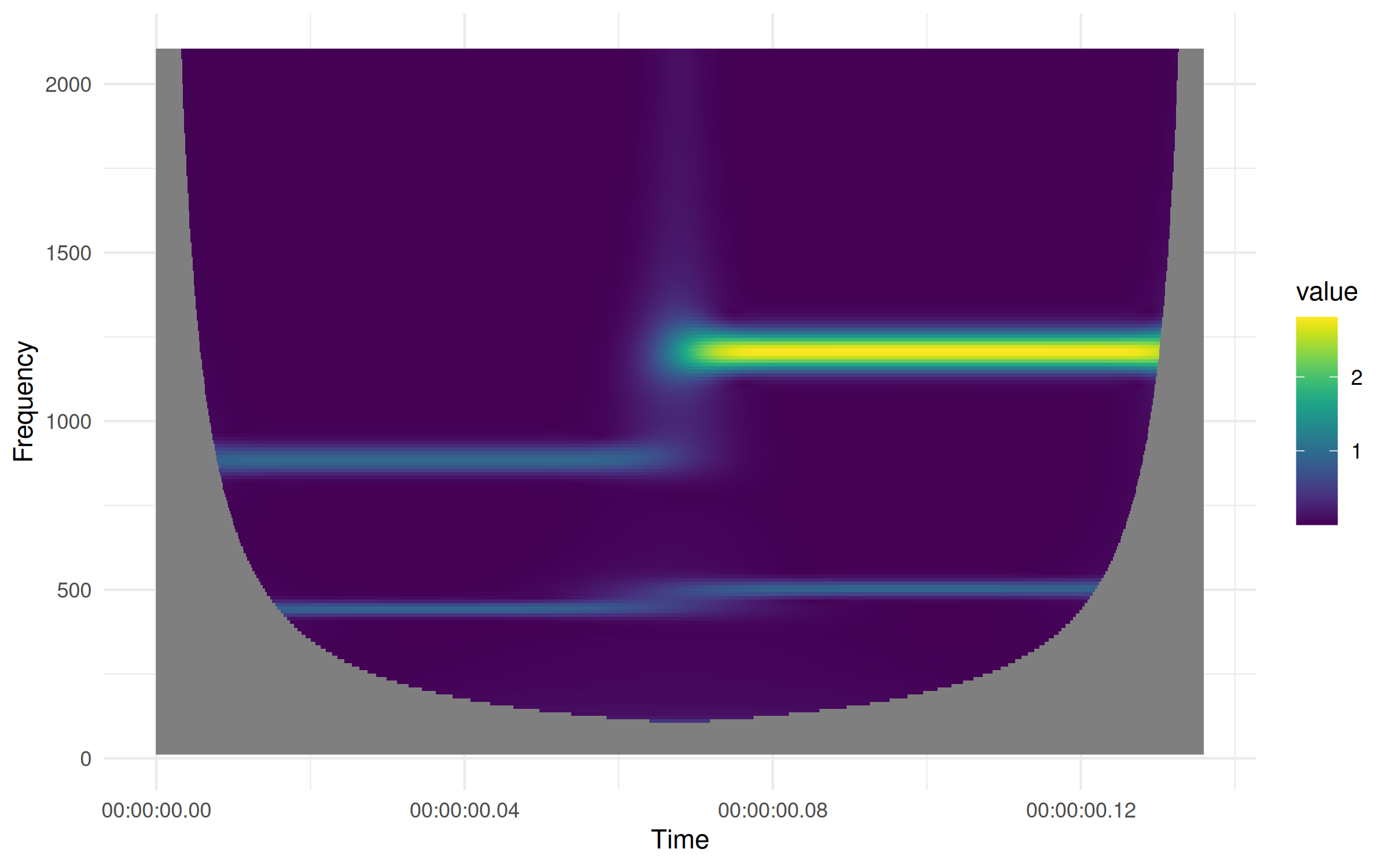
We can also directly plot the resulting scalogram:
plot(output)
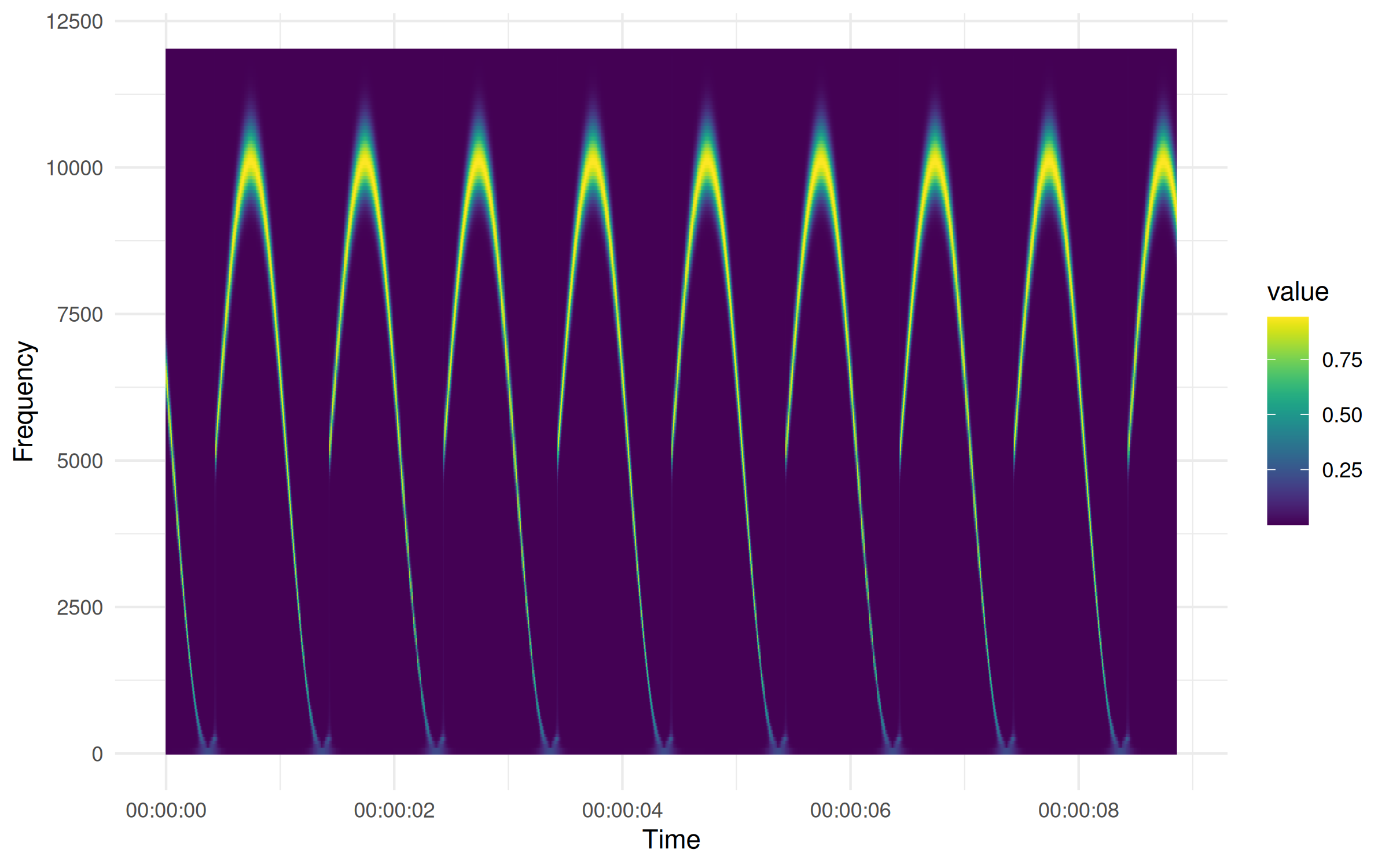
For long sequences, the required memory can exceed your local memory. In
this case it can be useful to reduce the time resolution of the result
and process the data in batches. This can be done with fcwt_batch().
In case the batch size is not explicitly provided, some heuristics are
used to determine a batch size automatically:
batch_result <-
  fcwt_batch(
    rep(ts_sin_sin, 10),
    sample_freq = 44100,
    freq_begin = 10,
    freq_end = 12000,
    n_freqs = 200,
    sigma = 4,
    time_resolution = 1 / 44100
  )

plot(batch_result)