tayloRswift
Color Palettes Generated by Taylor Swift Albums
For when your colors absolutely should not be excluded from the narrative.
tayloRswift

A ggplot2 color palette based on Taylor Swift Album Covers.
The package includes palettes for every full album except for those that Taylor Swift has disavowed.
Installation
You can install the released version of tayloRswift with:
remotes::install_github("asteves/tayloRswift")
and load it with
library(tayloRswift)
Examples
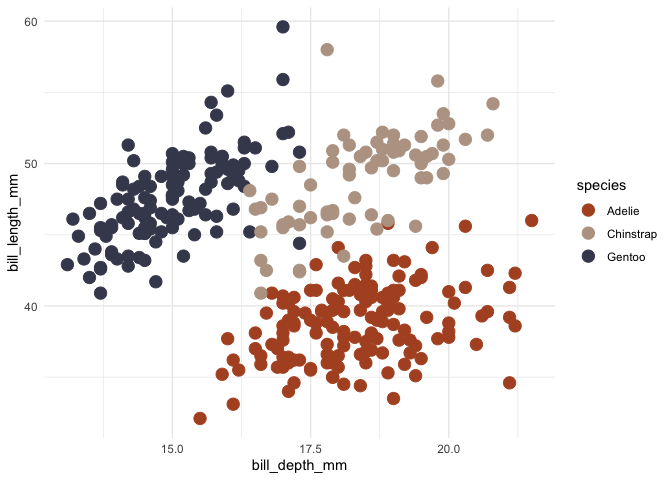
Color by discrete variable using default palette based on 1989
ggplot(penguins, aes(bill_depth_mm, bill_length_mm, color = species)) +
  geom_point(size = 4) +
  scale_color_taylor()+
  theme_minimal()
Choose a different palette
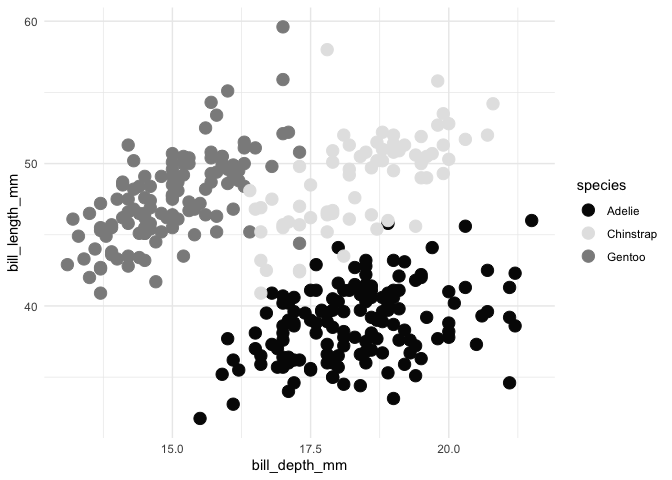
Reputation works great as a grayscale.
ggplot(penguins, aes(bill_depth_mm, bill_length_mm, color = species)) +
  geom_point(size = 4) +
  scale_color_taylor(palette = "reputation")+
  theme_minimal()
Color by numeric variable
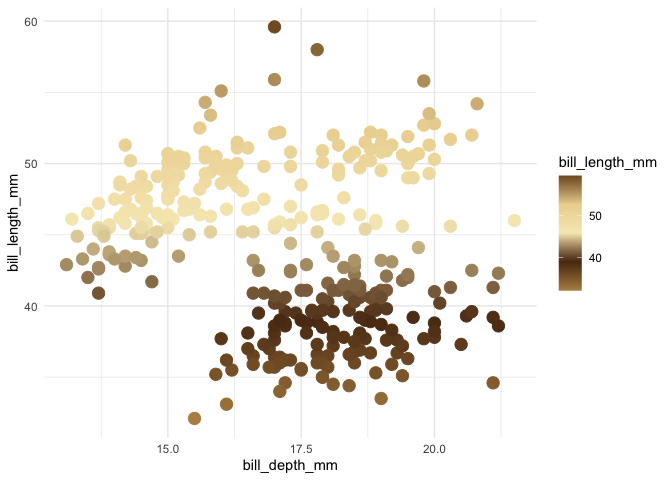
Be content with a palette based on Fearless
ggplot(penguins , aes(bill_depth_mm, bill_length_mm,color = bill_length_mm)) +
  geom_point(size = 4) +
  scale_color_taylor(discrete = FALSE, palette ="fearless")+
  theme_minimal()
Fill by discrete variable
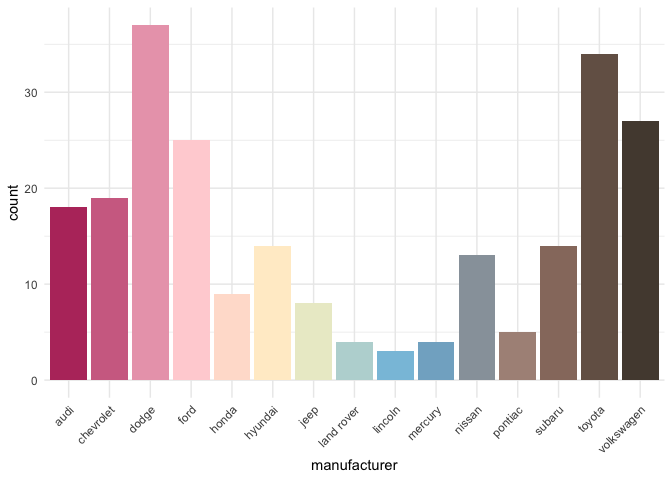
Pop with color from Lover
ggplot(mpg, aes(manufacturer, fill = manufacturer)) +
  geom_bar() +
  theme_minimal()+
  theme(axis.text.x = element_text(angle = 45, hjust = 1)) +
  scale_fill_taylor(palette = "lover", guide = "none")
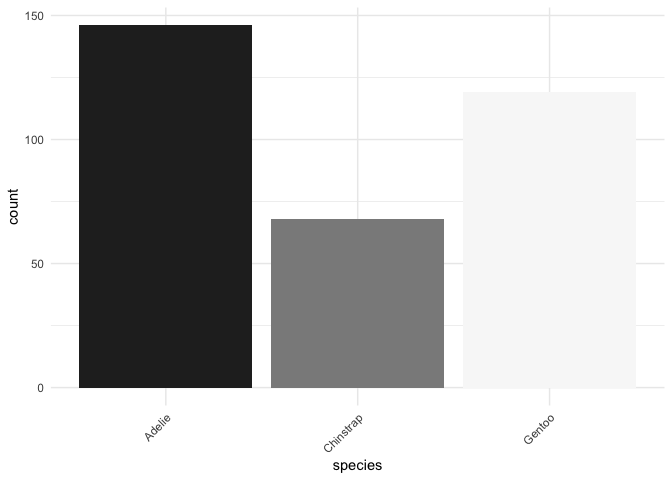
Or if you prefer modern Swift, Folklore
ggplot(penguins, aes(species, fill = species)) +
  geom_bar() +
  theme_minimal()+
  theme(axis.text.x = element_text(angle = 45, hjust = 1)) +
  scale_fill_taylor(palette = "folklore", guide = "none")
Palettes

taylorSwift= “#61b6cc”, “#577f3f”, “#e3e9f3”, “#0a1605”,
“#fddac7”, “#81a757”

fearless = “#b68f51”, “#5b3617”, “#f7eabe”, “#ecd59f”, “#825c2d”
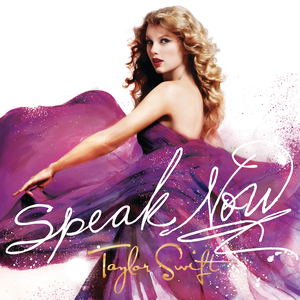
speakNow = “#ffffff”, “#4b2671”, “#5e291c”, “#f3d8c4”, “#f3bf73”
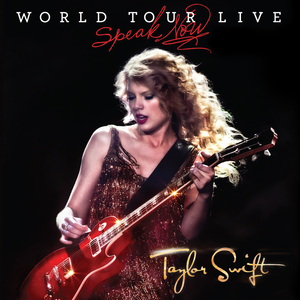
speakNowLive = “#fce178”, “#969696”, “#871d20”, “#090708”,
“#fafaf9”

Red = “#c2c2ae”, “#26233b”, “#7f6557”, “#b4a382”, “#eeeadf”

taylorRed =
“#b1532a”,“#84697f”,“#cbb593”,“#a88f92”,“#e8eadf”,“#43475b”

taylor1989 = “#b1532a”, “#84697f”, “#cbb593”, “#a88f92”,
“#e8eadf”, “#43475b”

reputation = “#060606”, “#6e6e6e”, “#fefefe”, “#cacaca”,
“#060606”, “#8c8c8c”
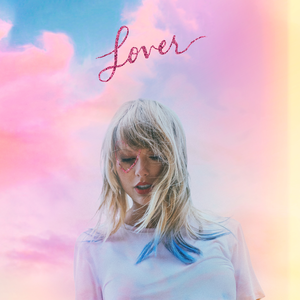
lover = “#b8396b”, “#ffd1d7”, “#fff5cc”, “#76bae0”, “#b28f81”,
“#54483e”

folklore= “#272727”, “#5c5c5c”, “#bababa”, “#f8f8f8”

evermore = “#3d2620”, “#efefef”, “#827d73”, “#efefef”, “#3d2620”
Related Packages
For those who work in Python, it was brought to my attention that there is a very cool package by Josh Borrow called swiftacsmaps.
Other inspirations for this package are the tutorial on creating corporate color palettes by Dr. Simon Jackson, which I drew on heavily. I have long used the wesanderson package by Karthik Ram, which does a similar task.